by Terry McAdams | Jun 5, 2026 | AirPods, iPhone, productivity, Tip
Have you ever wanted to activate the shutter button for your iPhone’s camera—for either a still photo or a video—when you’re not holding it? Selfie sticks often come with Bluetooth buttons that can do that, and starting in iOS 26, you also can use your AirPods 4 or...
by Terry McAdams | Jun 5, 2026 | Contacts, Dictation, iPad, iPhone, Mac, productivity, Tip, troubleshooting
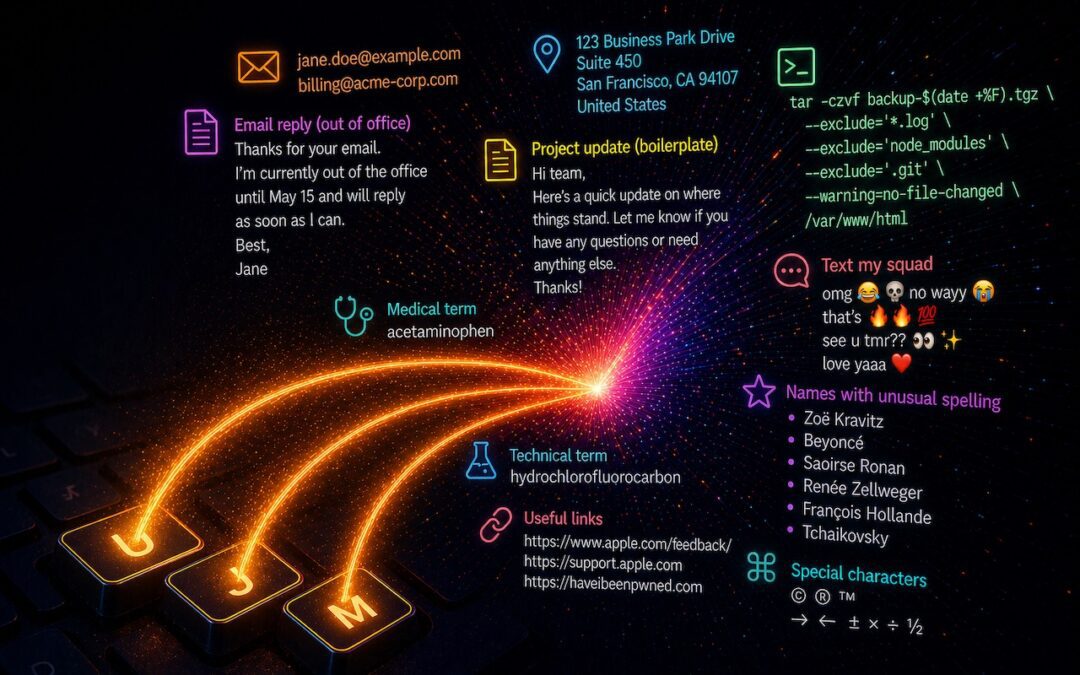
Apple’s Dictation feature is a great way to avoid slow typing on the iPhone and iPad, and it can be welcome on the Mac as well. But it struggles with proper nouns—it guesses wildly at unfamiliar names and often fails to capitalize common words that are part of a name...
by Terry McAdams | May 1, 2026 | How-To, iPad, iPhone, Mac, productivity
Silicon Valley thinks everyone wants to delegate writing to AI, which is why Apple Intelligence constantly suggests replies for you in Messages and Mail. But there’s an excellent way to supercharge your typing speed without sounding like a chirpy chatbot or resorting...
by Terry McAdams | May 1, 2026 | Finder, iPad, iPhone, productivity, Tip
On the Mac, every file type opens in a particular app by default, but it’s easy to open a PDF, image, or text file in a different app. In the Finder’s Get Info window, you can also reset the default app so that, for example, JPEGs open in Photoshop or Affinity instead...
by Terry McAdams | Apr 3, 2026 | iOS, iPhone, Security
The discovery of two sophisticated iPhone exploit kits—DarkSword and Coruna—within weeks of each other signals a troubling shift. Unlike previous spyware attacks that targeted high-profile users, these exploit kits have been deployed via compromised legitimate...
by Terry McAdams | Apr 3, 2026 | AI, iPhone, Music, Tip
Apple Music subscribers running iOS 26.4 can use the new Playlist Playground feature to create AI-generated playlists tailored to any mood, genre, activity, or era. To try it on your iPhone, open the Music app, tap the Library tab, tap the + button, then tap Create...