by Terry McAdams | Aug 7, 2026 | Tip, troubleshooting
We’ve all ended up with a collection of random USB-C cables that arrived with devices, were purchased while traveling, or were left by visitors. But you can’t look at a cable to determine its data speed, how much power it can carry, or whether it’s hampering display...
by Terry McAdams | Aug 7, 2026 | Mac, Security, Spotlight, Tip
Apple released macOS 26.6 Tahoe, iOS 26.6, and iPadOS 26.6 with a huge number of fixes for security vulnerabilities. However, the release notes for each also include an unusual comment along the lines of “optimizes the Spotlight index in preparation for macOS 27.” At...
by Terry McAdams | Jul 3, 2026 | iPad, iPhone, productivity, Tip
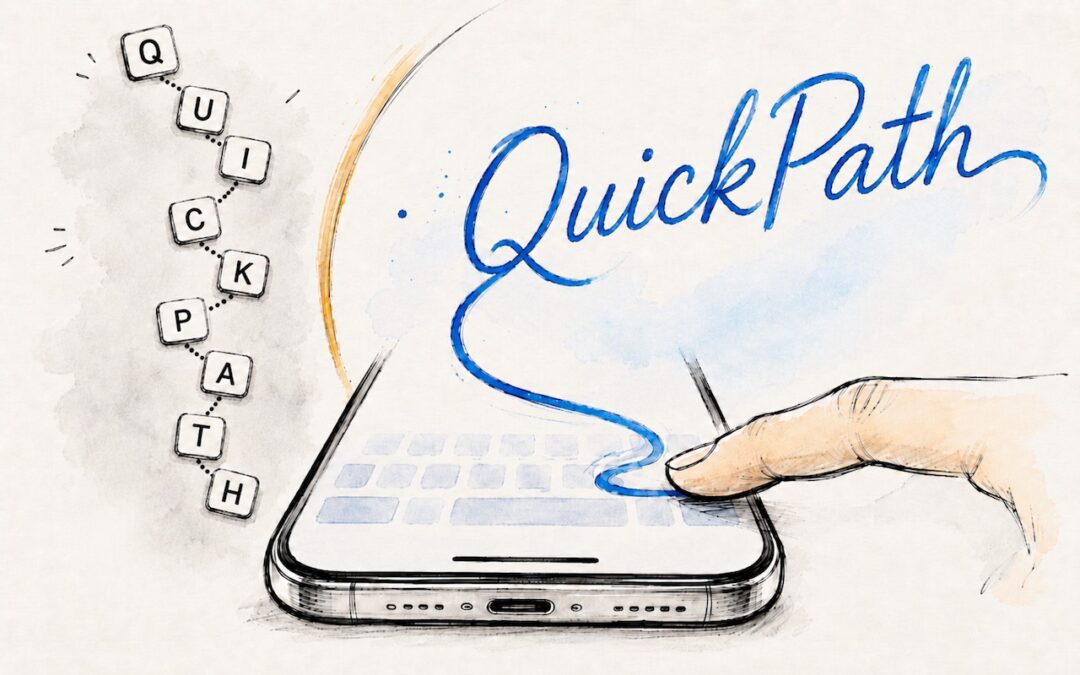
If you’ve had trouble moving from hunt-and-peck typing on the iPhone to the double-thumb typing approach many people prefer, consider QuickPath, better known as swipe typing. QuickPath isn’t new, but many people have never tried it seriously. With swipe typing, you...
by Terry McAdams | Jul 3, 2026 | Mac, productivity, Tip
You undoubtedly know about pressing Command-Tab to bring up the macOS App Switcher and mousing to the app you want to switch to. Keyboard jockeys probably even know to keep holding Command down while pressing Tab or right-arrow to cycle to the right (press Shift-Tab,...
by Terry McAdams | Jul 3, 2026 | Calendar, iPad, iPhone, Mac, productivity, Reminders, Tip
If you are often late to or miss meetings because Apple’s notifications are too easy to ignore, we recommend trying the In Your Face app. Available for the Mac, Windows, iPhone, iPad, and Apple Watch, In Your Face displays unmissable full-screen alerts and plays...
by Terry McAdams | Jun 5, 2026 | AirPods, iPhone, productivity, Tip
Have you ever wanted to activate the shutter button for your iPhone’s camera—for either a still photo or a video—when you’re not holding it? Selfie sticks often come with Bluetooth buttons that can do that, and starting in iOS 26, you also can use your AirPods 4 or...