by Terry McAdams | Dec 2, 2019 | productivity, Tip
With the iPhone 11, iPhone 11 Pro, and iPhone 11 Pro Max, Apple changed the way the Camera app’s shutter button works in ways that could cause confusion. Tapping it once still takes a single still photo, but if you press and hold on the shutter button, it now captures...
by Terry McAdams | Sep 14, 2019 | keyboard shortcut, Mac, productivity, Tip
Traditionally, extended keyboards come with a Forward Delete key that, when you press it, deletes characters to the right of the insertion point, unlike the main Delete key, which deletes to the left of the insertion point. Forward Delete still exists on Apple’s Magic...
by Terry McAdams | Jul 28, 2019 | iOS, Safari, Tip
Do you sometimes find it difficult to read articles on your iPhone because of ads, banners, extraneous layout, social media icons, and too-small fonts? We certainly do, and there’s often a quick fix for the myriad ills of modern Web pages: Safari Reader. Whenever you...
by Terry McAdams | Jul 9, 2019 | Mac, Photos, productivity, Tip
Most Mac users rely on iPhones and iPads to take photos and store them in the Photos app, which happens automatically for those who use Apple’s iCloud Photos syncing service. But what if you want to import photos from a device other than an iPhone or iPad—say a...
by Terry McAdams | Jul 3, 2019 | productivity, Tip
In previous versions of iOS, a scroll bar would appear on the right edge of the screen while you were swiping through a long Web page, email message, or document. But the scroller was merely an indicator of where in the page you were and how much content there was...
by Lucy McAdams | May 15, 2019 | Bluetooth, Mac, Tip
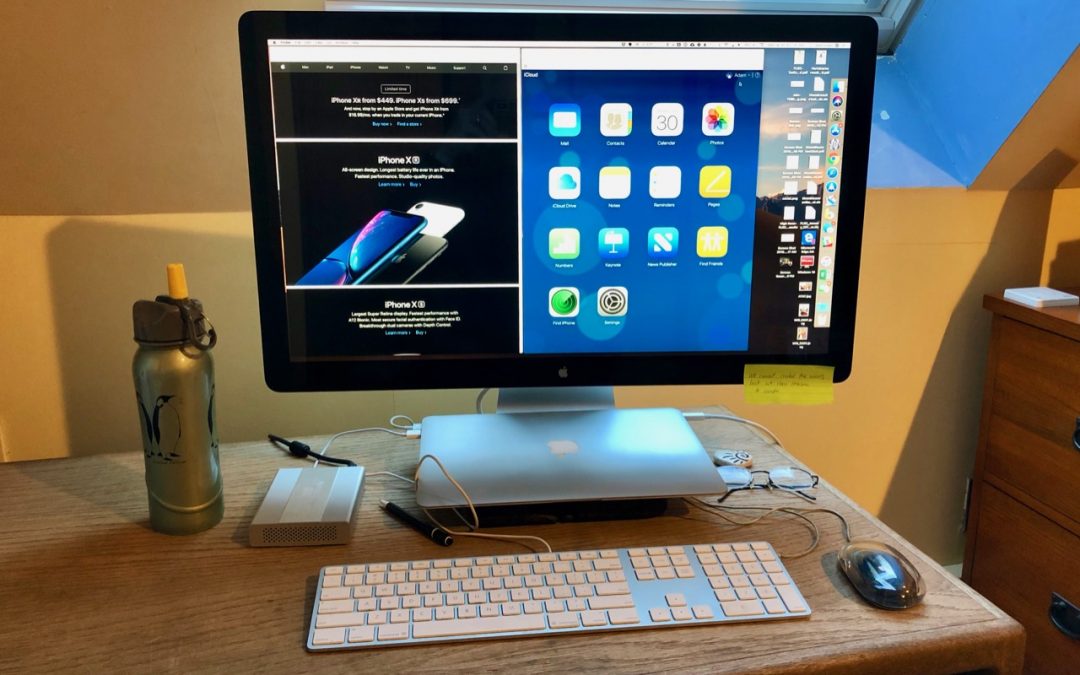
Those of you who use a Mac laptop—a MacBook, MacBook Air, or MacBook Pro—probably know you can connect it to a large external display for more screen space. But sometimes it’s not convenient to have your Mac open on your desk next to the big screen. If you’d like to...