(940) 767-6227
  • Facebook
  • X
  • RSS
  • Facebook
  • X
  • RSS
0 Items
MacTech Solutions
  • Home
  • Products
    • Mac
      • MacBook Air
        • MacBook Air 13-inch M2
        • MacBook Air 13-inch M3
        • MacBook Air 15-inch M3
      • MacBook Pro
        • MacBook Pro 14-inch M4
        • MacBook Pro 14-inch M4 Pro
        • MacBook Pro 16-inch M4
      • iMac
        • iMac 24-inch M4
      • Mac Mini
        • Mac mini M4
      • Mac Studio
      • Mac Pro
      • Apple Displays
        • Pro Display XDR
        • Studio Display
    • iPad
      • iPad
      • iPad mini
      • iPad Pro
        • iPad Pro M4 11-inch
        • iPad Pro M4 13-inch
      • iPad Air
        • iPad Air M2 11-inch
        • iPad Air M2 13-Inch
      • Apple Pencil
        • Apple Pencil (USB-C)
      • Keyboards
        • Smart Keyboard
        • Smart Keyboard Folio
        • iPad Magic Keyboard
    • Apple Watch
      • Apple Watch SE
      • Apple Watch Series 9
      • Apple Watch Ultra 2
    • iPod touch
    • Apple TV
      • Apple TV
      • Apple TV 4K
    • Airpods
      • AirPods Max
      • Airpods Pro (2nd Generation)
      • AirPods 4
      • AirPods 4 with Active Noice Cancellation
      • AirPods (3rd Generation)
      • AirPods (2nd Generation)
    • HomePod
      • HomePod mini
    • AppleCare+
    • Sonos
    • Adobe
      • Creative Cloud for Education
  • Service
    • Apple Authorized Service
    • Remote Support
  • Trade Ins
  • Classes & Events
  • About Us
    • Newsletter Sign Up
    • MacTech Solutions
    • The Team
    • Contact Us
  • Blog
Select Page
Use Dropbox’s Selective Sync to Save Space on Small Drives

Use Dropbox’s Selective Sync to Save Space on Small Drives

by Terry McAdams | Aug 5, 2020 | Mac, Tip, troubleshooting

If you’re like many of our clients who use Dropbox intensively, you have a desktop Mac with a large drive and a MacBook with much less drive space. How do you prevent your large Dropbox account from overwhelming the laptop Mac’s available storage? The answer is...
Consider USB Peripherals When Troubleshooting Mac Problems

Consider USB Peripherals When Troubleshooting Mac Problems

by Terry McAdams | Jul 31, 2020 | Mac, Tip, troubleshooting

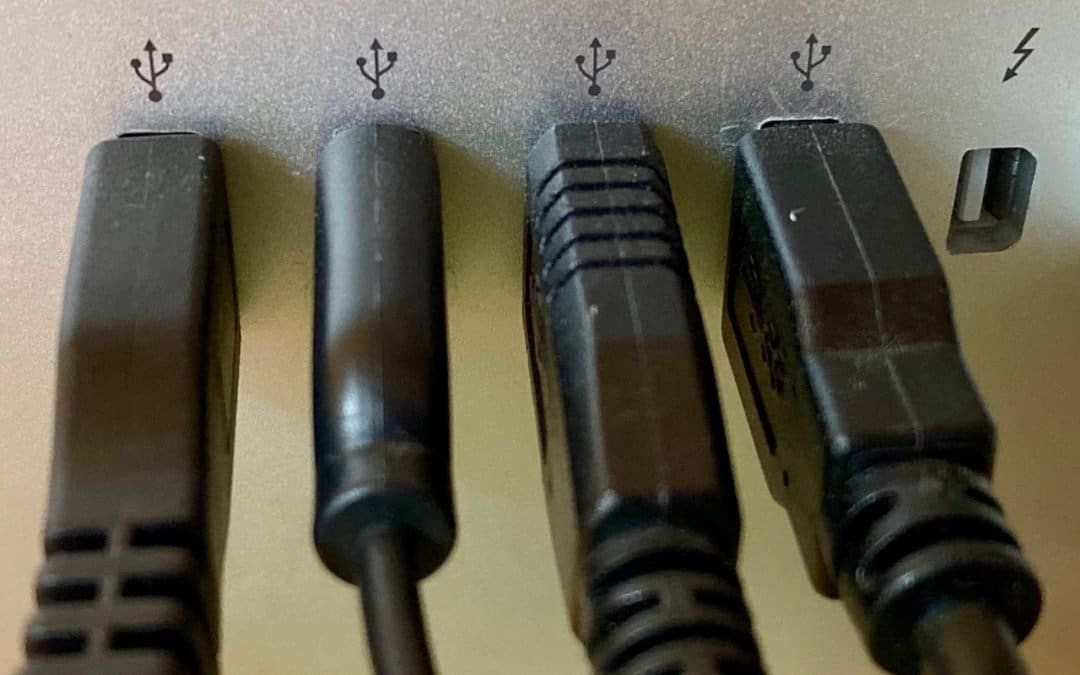
If you’re experiencing a sporadic problem with your Mac, the sort of thing that happens often enough to be annoying but not so frequently as to be reproducible, allow us to suggest one little-known troubleshooting tip. Malfunctioning USB devices—keyboards, mice, hubs,...
Use This Trick to Find a Missing App Window

Use This Trick to Find a Missing App Window

by Terry McAdams | Jul 22, 2020 | Mac, Tip, troubleshooting

Every so often, we hear from a Mac user with a seemingly impossible problem: a document window in some app is opening somewhere outside of the screen so it’s effectively invisible and they can’t work with it in any way. Just closing (with File > Close) and...
Some May Like It Hot… But Your Technology Prefers to Stay Cool

Some May Like It Hot… But Your Technology Prefers to Stay Cool

by Terry McAdams | Jul 8, 2020 | Battery, iPhone, Mac, troubleshooting

When summer brings sunny days and rising temperatures, you may have ditched your business suit for shorts or skirts to stay comfortable, but your technological gear can’t do the same. And keeping your tech cool is about more than comfort—as temperatures rise,...
Which Precise Mac Model Do You Have? Here’s How to Find Out

Which Precise Mac Model Do You Have? Here’s How to Find Out

by Terry McAdams | Jul 7, 2020 | Mac, Tip, troubleshooting

Apple likes to keep Mac names simple, but that’s not always helpful. For instance, if you want to add RAM to your Mac, it’s not good enough to know that it’s an iMac. You’ll need to know that it’s a 27-inch iMac with Retina display from late 2014. To find that out,...
Three Connectivity Problems Remote Workers Are Having During the Pandemic

Three Connectivity Problems Remote Workers Are Having During the Pandemic

by Terry McAdams | Jul 2, 2020 | Internet, troubleshooting, Wi-Fi

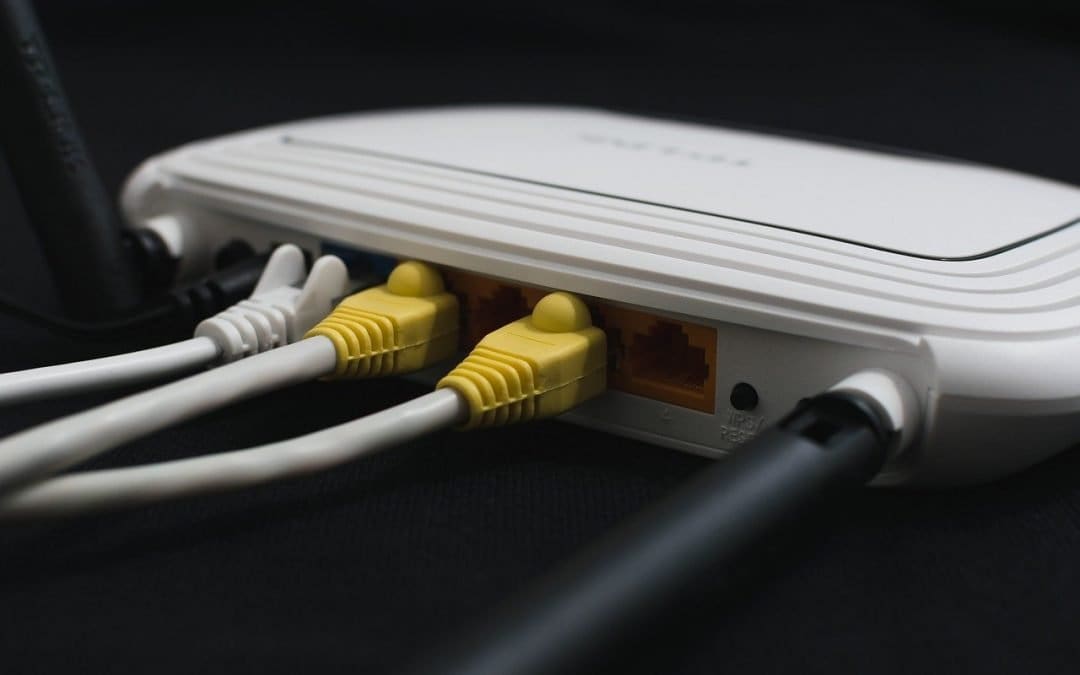
The pandemic has forced large numbers of those who are still employed—nearly half the American workforce, by some estimates—to work from home. And while that has actually improved productivity for many people, partly due to eliminating time-consuming commutes, remote...
« Older Entries
Next Entries »

Archives

Categories

Terms and Conditions   |   Return and Shipping Policy   |   Privacy Policy
MacTech Solutions LLC DBA MacTech Solutions™
Copyright © MacTech Solutions, LLC   |   All Rights Reserved.

The MacTech Solutions logo is property of MacTech Solutions, LLC, a Texas Limited liability company. All other logos and trademarks are the property of their respective owners. Apple, the Apple logo, iPad, iPad Pro, iPod, Mac, MacBook Air, and MacBook Pro are trademarks of Apple Inc., registered in the U.S. and other countries.

Our Location

4020 Rhea Rd, Suite 3B
Wichita Falls, TX 76308
(940) 767-MACS (6227)

Hours

Monday-Friday: 10-6
Saturday: Closed
Sunday: Closed
Terms and Conditions | Privacy Policy

MacTech Solutions LLC DBA MacTech Solutions™
Copyright © MacTech Solutions, LLC   |   All Rights Reserved.

The MacTech Solutions logo is property of MacTech Solutions, LLC, a Texas Limited liability company. All other logos and trademarks are the property of their respective owners. Apple, the Apple logo, iPad, iPad Pro, iPod, Mac, MacBook Air, and MacBook Pro are trademarks of Apple Inc., registered in the U.S. and other countries.