by Terry McAdams | Dec 17, 2020 | iOS, Photos, productivity, Tip
Photos in iOS 14 provides four views of your library: Years, Months, Days, and All Photos. For the first three, Photos picks representative images that may not include particular shots you’re looking for. The All Photos view shows everything, but it can be...
by Terry McAdams | Dec 15, 2020 | Facebook, How-To, iOS, Mac, privacy
Even beyond its often controversial behavior in the 2020 US presidential election, Facebook continually makes news headlines for its numerous privacy and security problems. Most notable, of course, were the 50 million Facebook profiles gathered for Cambridge Analytica...
by Terry McAdams | Dec 10, 2020 | Control Center, Music, Tip
Several years ago, Apple bought a company called Shazam, which made an app that identified songs by listening to the music playing nearby. Since then, Apple has built Shazam into Siri in iOS, iPadOS, macOS, and watchOS. Most recently, Apple added it to Control Center...
by Terry McAdams | Dec 3, 2020 | How-To
Many of us have been using iPhones for years, and apps we bought or downloaded long ago molder in corners of our Home screens. Even if you haven’t played Flappy Bird in years, its pixelated icon still stares glumly at you every time you peer at its Home screen, and...
by Terry McAdams | Dec 2, 2020 | Mac, Security, Tip
In July 2017, Adobe announced that it would stop distributing and updating Flash Player on December 31st, 2020. Web standards like HTML5 provide a viable alternative to Flash content, and organizations that relied on Flash have had three years to replace it. Because...
by Terry McAdams | Dec 1, 2020 | How-To, Mac, Photos, productivity
In 2018, Apple dropped support for creating print projects from within Photos, including greeting cards, calendars, and books. Instead, Apple allowed other print-service companies to build Photos Project extensions that gave users the same sort of capabilities. At...
by Terry McAdams | Nov 25, 2020 | Finder, Mac, Tip
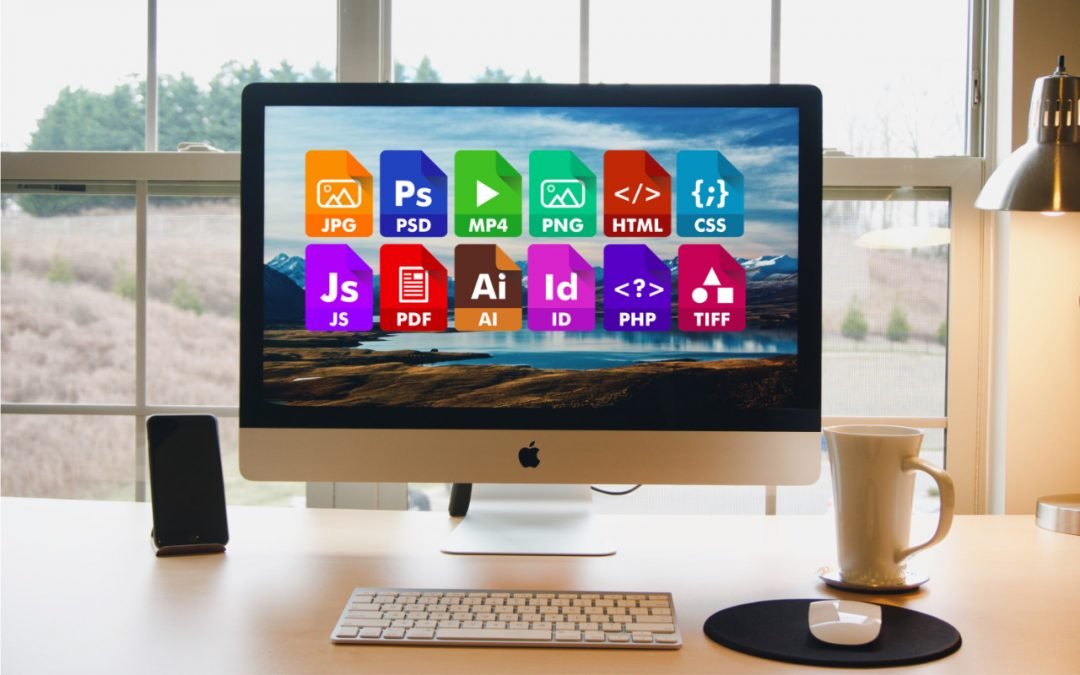
On the Mac, nearly every file has an extension, a set of characters after a period that indicates what type of file it is and determines which app opens it. So, .png indicates a PNG graphic that opens in Preview by default, .pages denotes a Pages document, and .docx...
by Terry McAdams | Nov 23, 2020 | AirPods, Apple Watch, HomePod, iPad
The holiday shopping season is fast approaching! Given the significant stresses placed on society’s fulfillment, distribution, and delivery systems by the pandemic, we recommend you start thinking about your holiday gift-giving sooner rather than later. Even Apple,...
by Terry McAdams | Nov 19, 2020 | Do Not Disturb, iOS, iPhone, Tip
You likely know that you can use Do Not Disturb to prevent random notifications on your iPhone from waking you at night—it’s easy to set a Do Not Disturb schedule for your usual sleeping hours. Another setting in there is important but often overlooked. If you ever...
by Terry McAdams | Nov 17, 2020 | Home screen, How-To, iPhone, productivity
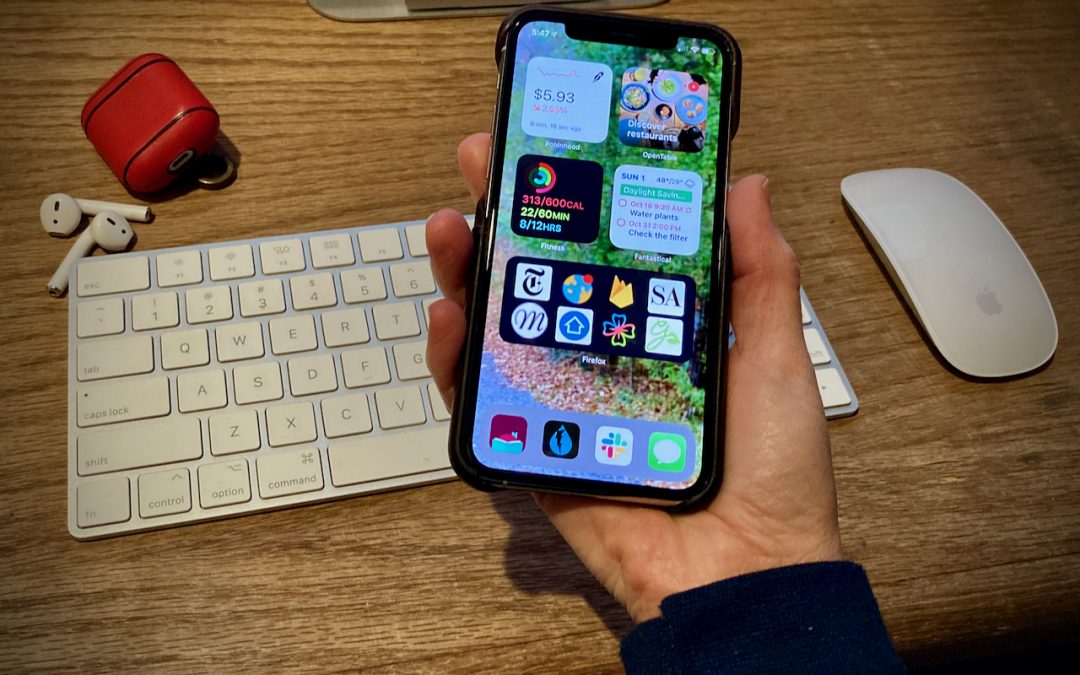
A significant new feature in iOS 14 is Home screen widgets, information-rich tiles that share space on a Home screen with app icons. iPhone users familiar with Google’s Android smartphone operating system have long clamored for widgets because they provide quick...
by Terry McAdams | Nov 5, 2020 | iPad, iPhone, Mac
For those who work in organizations, regardless of size, you know how much effort is involved with coordinating a group’s technology. It can take quite some time to set up a new Mac, iPad, or iPhone with all the right apps, settings, and logins. And that’s just to get...
by Terry McAdams | Nov 5, 2020 | Accessibility, How-To, iPhone, productivity
We all have things we do regularly on our iPhones, whether it’s checking the weather, searching Google, or invoking the magnifier. Apple has long provided ways of making your most common actions easier to access. You might put an app on your Dock, open Control Center,...
by Terry McAdams | Nov 5, 2020 | Battery, Mac, Tip, troubleshooting
Starting with macOS 10.15.5 Catalina, Apple introduced a battery health management feature that improves your battery’s lifespan by adjusting charging patterns to reduce the rate at which the battery chemically ages. (Find it in System Preferences > Energy Saver...
by Terry McAdams | Nov 3, 2020 | iOS
You’ve likely seen our tip on using the Dock on an iPhone or iPad as a temporary holding place that makes rearranging apps easier. We’ve learned two new tips that help even more! First, you can move multiple apps at once. Start by touching an app, waiting to feel a...
by Terry McAdams | Nov 1, 2020 | Mac, Mac mini, MacBook Air, MacBook Pro
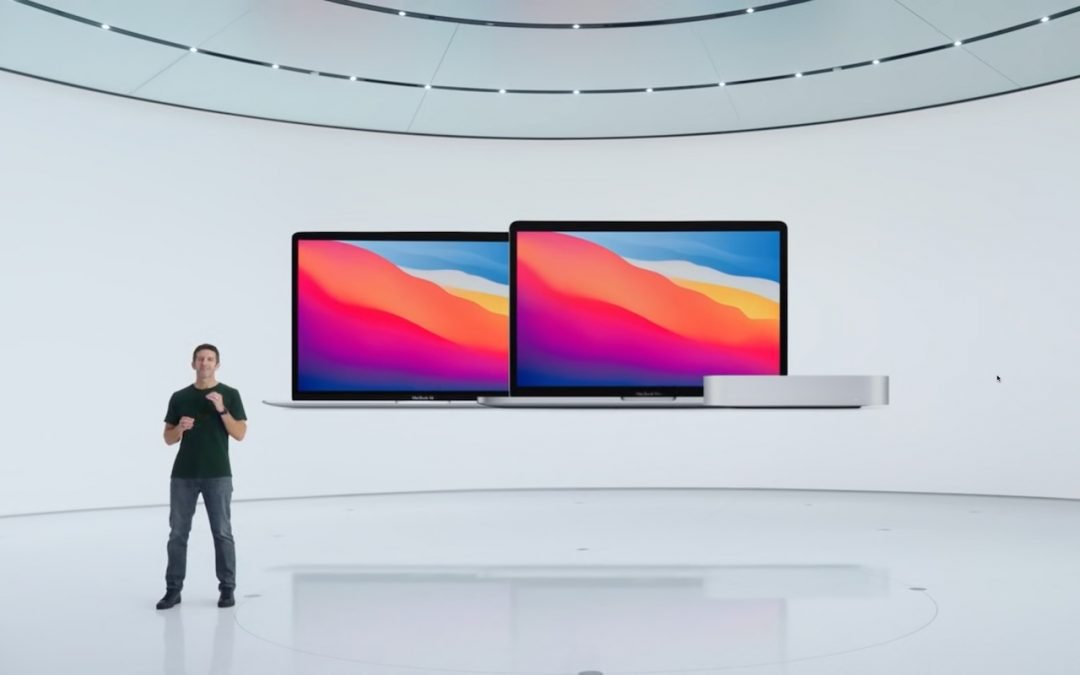
Continuing its pandemic-driven approach of short, focused announcements, Apple once again took to the Internet to stream its “One More Thing” event. On center stage this time was the Mac, or specifically, three Macs, all of which replace the longstanding Intel chip...