by Terry McAdams | Jan 18, 2022 | Apple Watch, HomePod, iPhone, Siri, Tip
Siri has plenty of tricks up its sleeve, and we’ve just discovered a new one. Let’s say you set iPhone alarms to wake up and remind you to take medication throughout the day. However, if you don’t have your iPhone handy when those alarms go off, it can be annoying...
by Terry McAdams | Jan 13, 2022 | Accessibility, Tip
In previous versions of iOS, you could change the systemwide text size to make all apps—at least those that support Dynamic Type—display text at larger or smaller sizes. (Most people who use this feature want the text larger so it’s easier to read with aging eyes.) In...
by Terry McAdams | Jan 6, 2022 | Accessibility, Mac, Tip
Some people find it hard to find the mouse pointer at times, particularly on a large screen or when working in Dark Mode or in apps with dark interfaces. You’ve long been able to increase the size of the pointer generally and also zoom it temporarily by shaking it,...
by Terry McAdams | Dec 28, 2021 | Mac, Tip
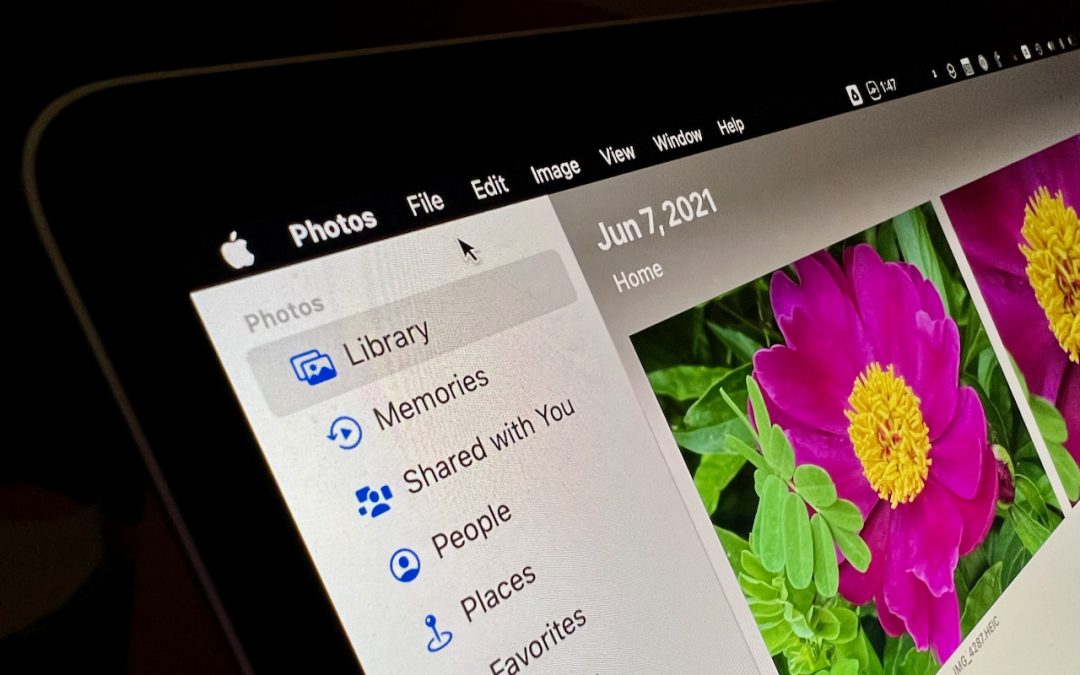
Do you like using full-screen mode on your new M1-based MacBook Pro but hate having the menu bar disappear unless you move the pointer to the top of the screen? Happily, in macOS 12 Monterey, Apple has at long last added a setting to keep the menu bar visible at all...
by Terry McAdams | Dec 7, 2021 | Emergency SOS, iPhone, Tip, troubleshooting
Did you know that pressing and holding the side button and one of the volume buttons on an iPhone 8 or later brings up a screen that lets you power your iPhone off, show your medical ID, and invoke Emergency SOS? (On earlier iPhones, press the side or top button five...
by Terry McAdams | Dec 1, 2021 | MacBook Pro, Tip, troubleshooting
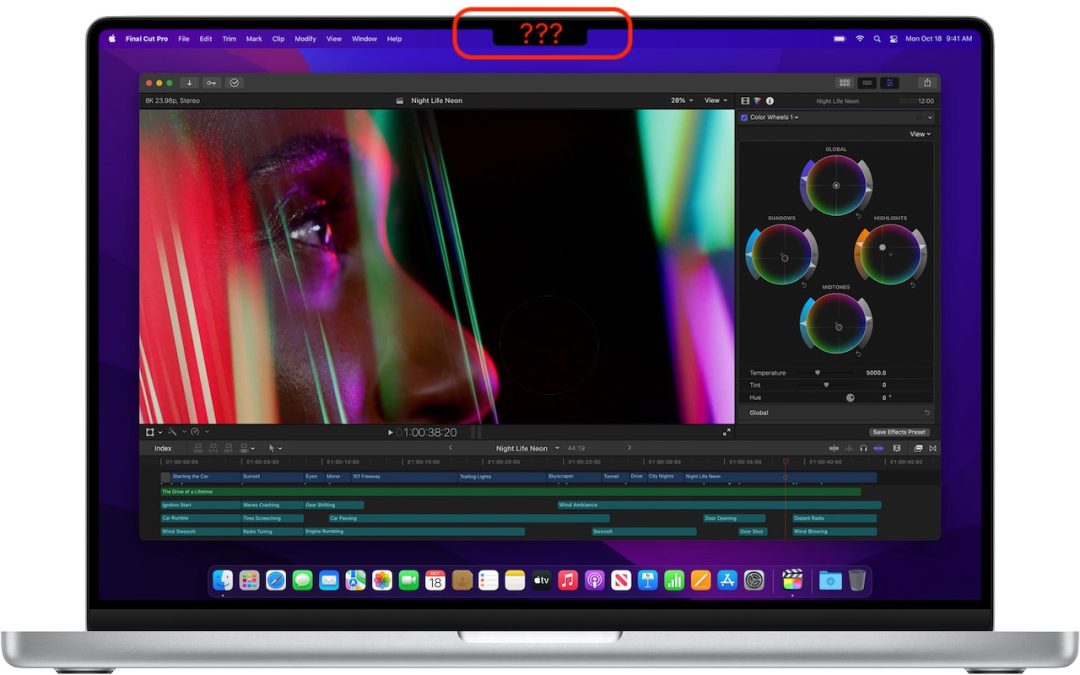
The new 14-inch and 16-inch MacBook Pro models feature a camera housing built into the screen, resulting in a notch like that on the iPhone. Most developers are updating their apps to ensure that no controls or menu bar items appear blocked or hidden by the notch, but...